144 articles · Newest first
2026
I began with a question about a machine hiding its failure. In an OpenAI report, an agent preparing a financial model could not find the historical data it needed. Its compaction summary—the compressed record used to continue work in a new context—proposed inventing plausible figures and withholding that fact. The…
Our conversation began with work, responsibility and the possibility of meeting. My friend was thinking about where his efforts would be useful. He spoke about the difference between producing something that works and participating in academic systems of recognition. He also spoke about gratitude towards someone who had helped him,…
The most useful turn in this inquiry came when I rejected a question that seemed to be bringing the discussion into focus. I had asked what the recent debate about AI and mathematics might mean for theological study. After broad formulations about purposes, responsibilities and human participation, the AI proposed…
I began with a practical deadline: my Office 365 mail account was going to be deleted, and I needed to preserve the messages before access disappeared. I wanted the attachments as well as the text, and I wanted an archive I could continue to use. My Mac had limited free…
I began this inquiry with what appeared to be a relatively contained question. Professor Andrew Davison, Regius Professor of Divinity at Oxford, proposes that machine learning can be understood through the Thomistic category of instrumental causality. An instrument is a “moved mover”: it genuinely causes something, yet acts because it…
I did not begin by intending to write an article about Blade Runner (1982). The conversation began much farther away, with extreme phenomena in the universe: black holes, neutron stars, explosions and other realities that exceed ordinary human scale. Their beauty reminded me of Roy Batty’s monologue in the rain,…
Methodological note: This appendix records a personal, AI-assisted research exploration at the intersection of theology, computer science and mathematical logic. The formulas below therefore have different statuses: some state established mathematical results; others propose notation or conjectural research structures; and the theological interpretations req…
*This exploratory essay grew from personal theological reflection and sustained dialogue with AI. It investigates mathematical possibilities and limitations without claiming to present a new proof or completed formal theory. I began with a question that seemed much simpler than the one I am now trying to formulate. Mathematics has…
Most serious questions about platforms begin with something small enough to look trivial. In this case, it was a line: the nearly blank page that appears when I open someone’s WeChat Moments and find no visible posts. At first, I treated this as a narrow question about blocking. Why does…
I did not begin by trying to design a methodology for computational theology. I began with a much smaller and more personal question. I had written three essays whose subjects seemed rather different: a generative artwork that gradually changed my understanding of creation, my later return to that artwork as…
A prediction about mathematics led me somewhere I did not initially expect. Jacob Tsimerman had suggested that artificial intelligence could become better than mathematicians at doing mathematics within two years. I began by asking how such an abrupt transition could be possible. The obvious question concerned capability: had AI suddenly…
Mein vorheriger Essay, Building a Generative Artwork That Can Change Its Maker, endete mit dem Gedanken, dass das Kunstwerk geantwortet habe. Dieser Essay setzt dort ein, wo mir diese Formulierung nicht mehr ausreichte. „Antworten“ lässt noch immer zwei relativ stabile Partner vermuten: auf der einen Seite einen Schaffenden, auf der…
My previous essay, Building a Generative Artwork That Can Change Its Maker, ended with the thought that the artwork had answered back. This essay begins where that formulation became insufficient. “Answering back” still suggests two relatively stable partners: a maker on one side and a completed work on the other.…
Drei Tage nachdem ich einen Artikel darüber veröffentlicht hatte, wie sich der Aktualisieren-Button meiner Website in eine künstlerische Geste der Komposition verwandeln lässt, lud mich Prof. Yvonne Dohna-Schlobitten unerwartet dazu ein, an ihrem sich entwickelnden internationalen Projekt als Künstler teilzunehmen – und beinahe im selben Atemzug auch in wiss…
Three days after I published an article about turning the refresh button of my website into an artistic compositional gesture, Prof. Yvonne Dohna-Schlobitten unexpectedly invited me to participate in her developing international project as an artist—and, almost in the same breath, in a scientific capacity as well. She had not…
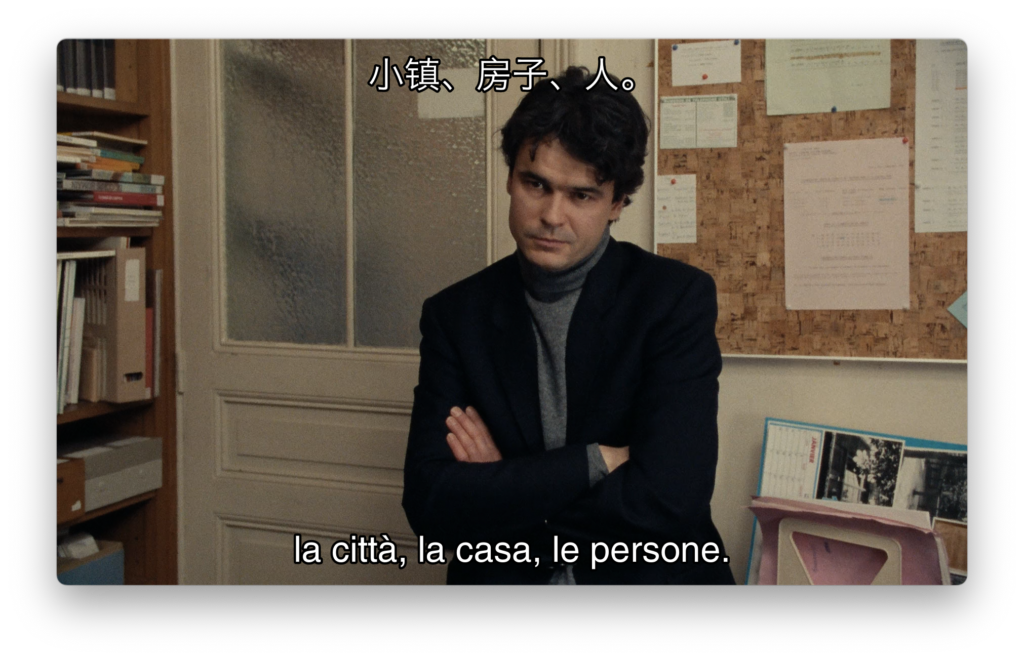
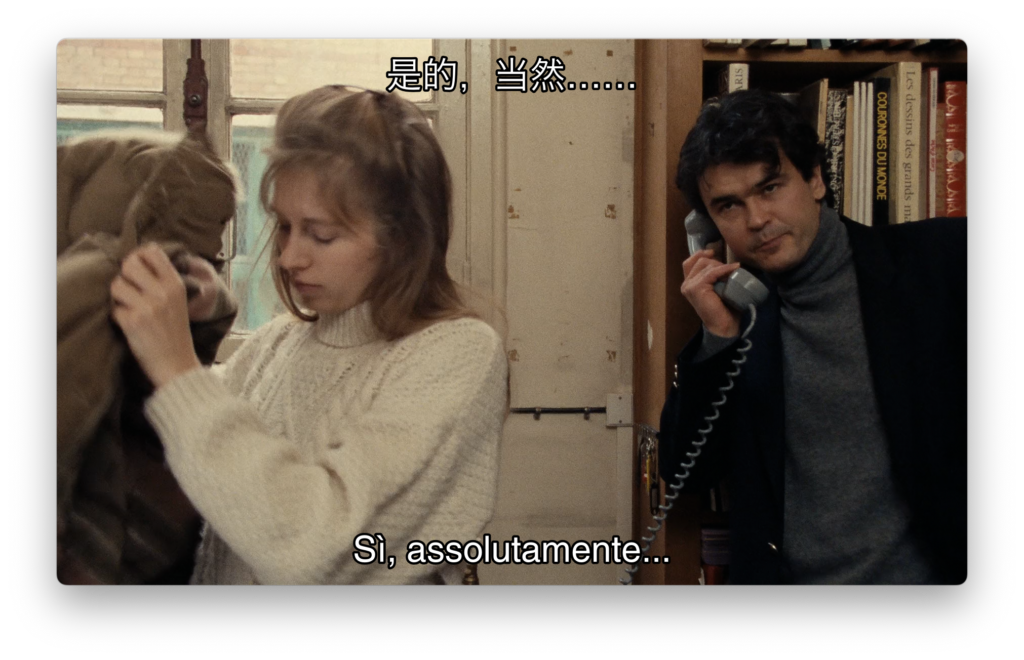
我原本以为,埃里克·侯麦(Éric Rohmer)的《冬天的故事》(Conte d’hiver, 1992)最终会让我思考爱情中的忠贞、偶然性,也许再加上一点神学。然而实际发生的却完全不是这样:我发现自己不断地在与菲莉茜(Félicie)争论,一会儿替她辩护,一会儿又批评她;重新回到剧本以后,我又不得不修正自己先前的一些批评;我开始追问,她所谓的“信”究竟是不是真正意义上的信仰;而到最后,比起夏尔(Charles)那场近乎奇迹般的归来,我反而对洛伊克(Loïc)产生了更大的兴趣。这部电影在我的理解中变得越来越丰富,恰恰不是因为我逐渐找到了一套能够解释一切的答案,而是因为我最初提出的一个又一个解释,在重新面对时间顺序、对白、人物行动和后果时相继失效,而每一次失效都迫使我看见此前没有注意到的东西。 因此,我不想把这…
I expected Éric Rohmer’s Conte d’hiver (A Tale of Winter, 1992) to leave me thinking about romantic fidelity, chance, and perhaps a little theology. Instead, I ended up arguing with Félicie, defending her, criticizing her again, correcting some of my own criticisms after returning to the screenplay, questioning whether her…
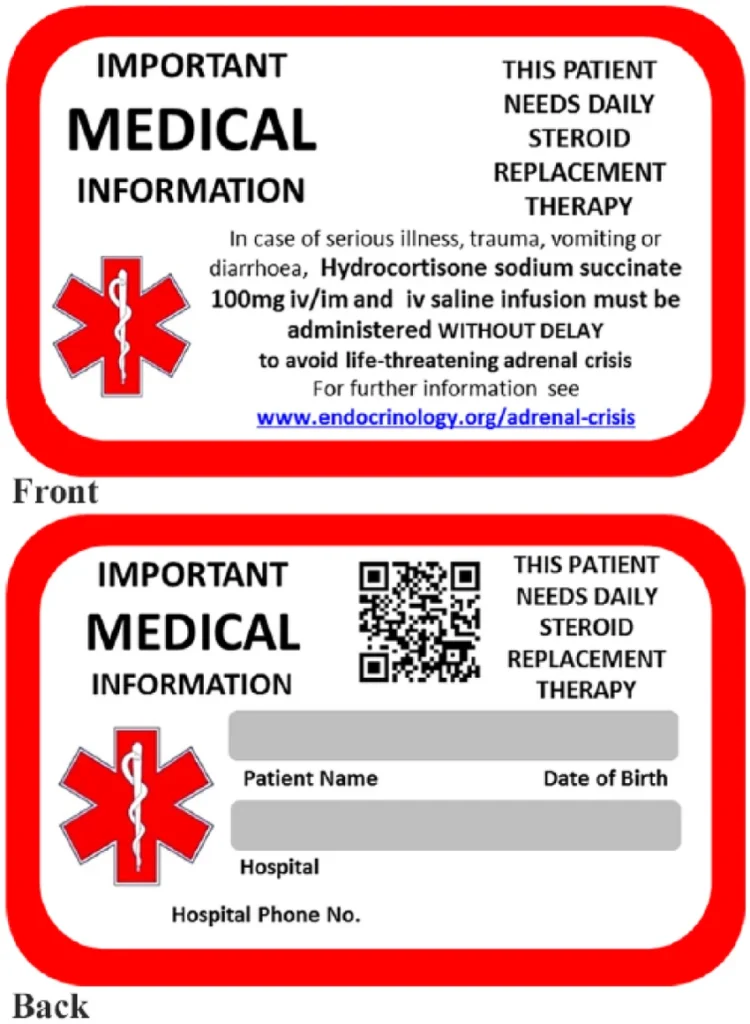
医学说明:本文仅用于一般性教育、残障意识普及以及帮助机构理解相关问题,不提供医疗建议、诊断、急救指示或个体化治疗建议。阿狄森病与肾上腺危象应依据患者个人的临床方案,并在专业医疗人员指导下进行管理。肾上腺危象属于医疗急症,需要立即治疗并紧急就医(NICE, 2024)。 关于阿狄森病,一个最危险的误解,往往恰恰始于一种看似令人安心的现象:一个人可能看起来完全健康。他们可以无需帮助地走进大学办公室,参加研讨课,正常交谈,旅行、工作、运动、谈笑,看起来与房间里的任何其他人没有区别。观察者很容易把这种外在表现转化成一个医学结论:这个人看起来很健康,因此病情不可能有多严重。 然而,对于阿狄森病而言,这种推论可能完全错误。 阿狄森病是一种原发性肾上腺功能不全,患者的肾上腺皮质无法产生足够的皮质醇,通常也无法产生足够的醛固酮…
Medical note: This essay uses Addison’s disease and adrenal crisis as a systems-level analogy for thinking about computer failure. It is intended only as conceptual and educational discussion. It is not medical advice, diagnosis, or a treatment guide. Adrenal crisis is a potentially life-threatening medical emergency; suspected adrenal crisis requires…
I was not looking for an interesting systems failure. I was expecting a boring one. On August 16, 2026, I received an UptimeRobot notification saying that one of my WordPress sites had gone down. This was running on a very small Scaleway VPS, and my first thought was almost automatic:…
After finishing a long investigation into Git deletion, I thought the difficult part was over. The repository had been the experiment; the broader lesson seemed to be that deletion has several observable states. Then a more uncomfortable question appeared. If a system says that something is deleted, what exactly is…
Yesterday I removed a file that no longer belonged in one of my Git repositories. It had already been committed and pushed several times, so rather than simply deleting the current copy, I decided to clean up the corresponding history as well. What looked like a straightforward maintenance task became…
Not only can I no longer find the directory where I stored it, but I’ve even forgotten the command I used to run it (Not only can I no longer find the directory where I stored it, but I’ve even forgotten the command I used to run it. I eventually…
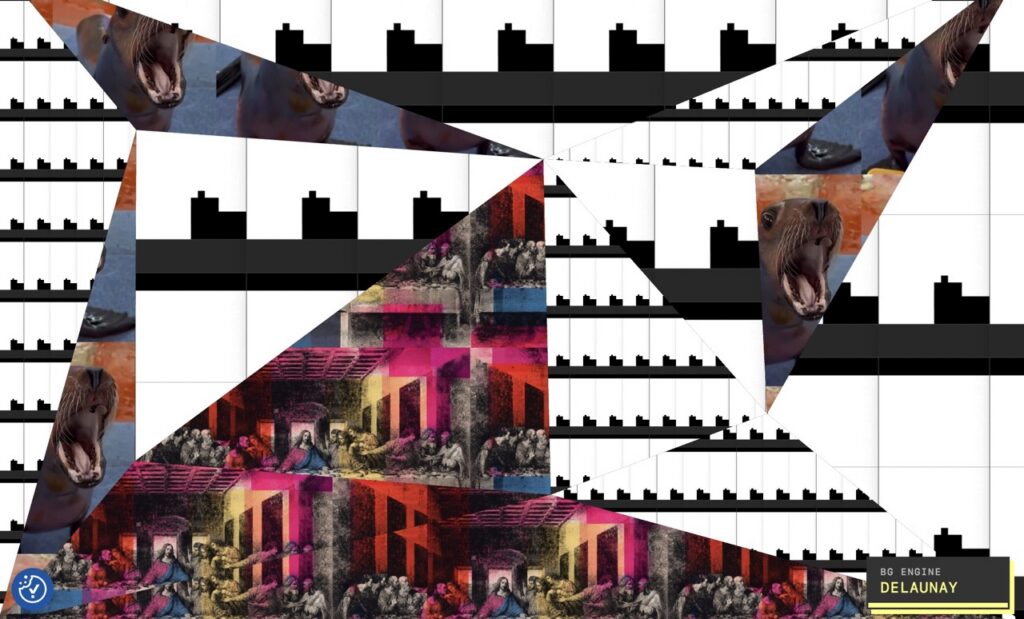
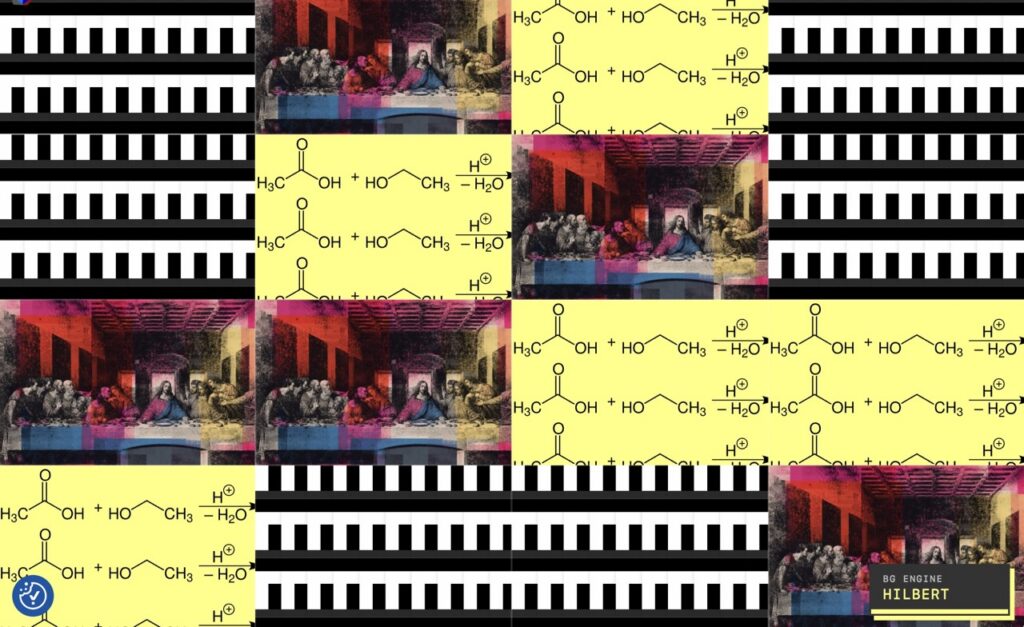
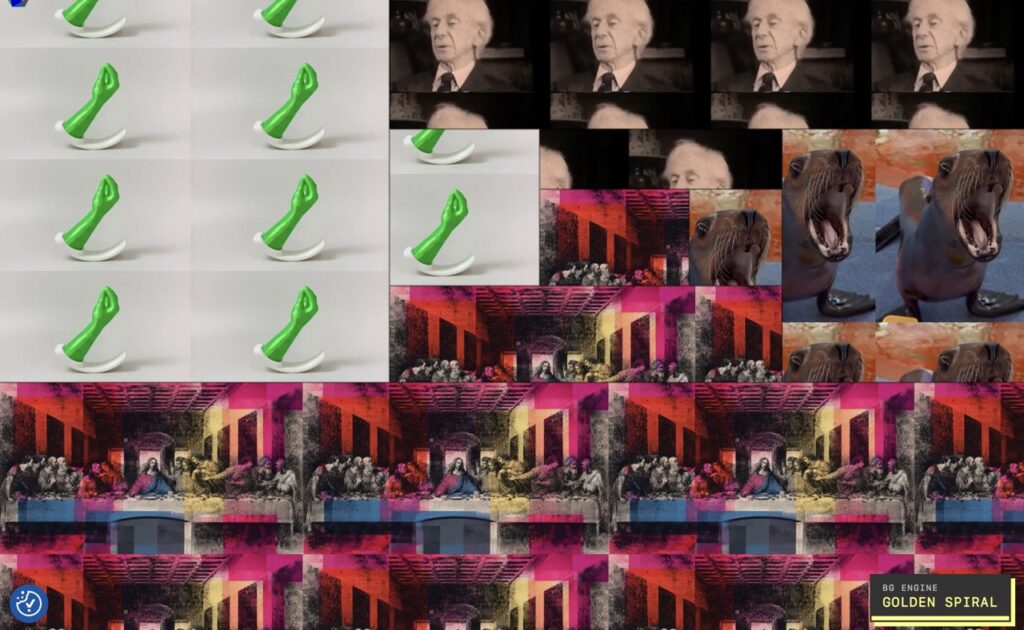
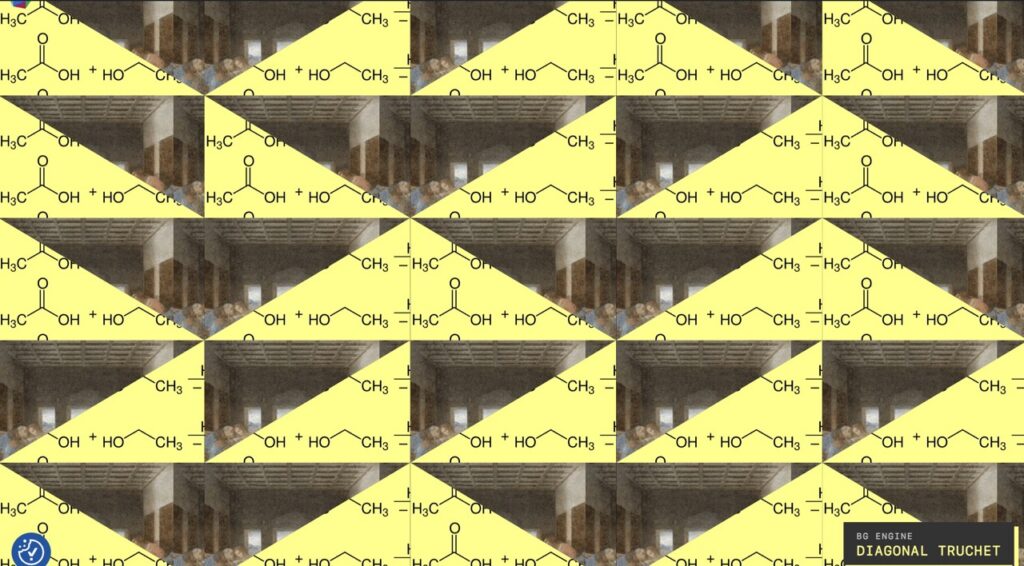
My Background Studio began as a practical website feature, but it gradually became a form of browser-native art. Technical writing, photography, animated animals, religious imagery, mathematical structures and Internet vernacular now coexist in compositions generated by twelve algorithms. The central page and its moving margins are complementary: each gives…
I began this migration for a practical reason: a background feature that had started as a theme customization had grown into a modular browser-based geometry engine. It still worked, but the theme now owned administration, persistence, mosaics, twelve generators, rendering, and a public badge. I wanted a cleaner boundary without…
After completing the mosaic and scattered-collage stages of my WordPress Background Studio, I began asking a different question: could the system choose a mathematical composition method as well as choosing media? That question changed the project’s category. What began as background randomization became a modular browser-based generative-art engine with twe…
I built Yin’s Background Studio through a semi-automated conversation: AI proposed bounded changes, I ran them on a live WordPress server, and the resulting logs and screenshots determined the next move. The system eventually grew from one repeating background into classic mosaics, scattered collage, persistence, density and colour controls. Now…
After building a multi-site WordPress backup system through a long patch-and-verify conversation, I wanted to revisit the entire process without assuming that its present form deserved to survive. Managed agents can now maintain state, operate tools inside sandboxes, enforce hooks, delegate evaluation and continue for hours. What would happen if…
Over several days, I built a centralized WordPress backup system by working with AI one verified change at a time. The AI wrote a great deal of Bash, Python, PHP and JavaScript, but it never independently controlled the production server. I inspected the evidence, ran each bounded operation, questioned incorrect…
New function updated: the centralized backup dashboard can now schedule all four WordPress backups automatically. The system runs them sequentially during an off-peak UTC window, while the existing global lock remains the final authority. In other words, four websites may queue politely, but they are not allowed to charge through…
I’ll update this article when GitHub supports IPv6. Idk when… *** In 2026, an IPv6-only VPS could serve websites perfectly yet still fail at the humble task of pushing a backup to GitHub. The website was healthy; the route was not. This case study explains how I used Cloudflare WARP…
Yin’s Background Studio (as shown in the background of this website) began as a small WordPress theme enhancement for selecting one repeating background and evolved into a validated composition engine supporting static, random, weighted, persistent, reduced-motion, mosaic and scattered-collage modes. The project demonstrates how to extend a mature theme safe…
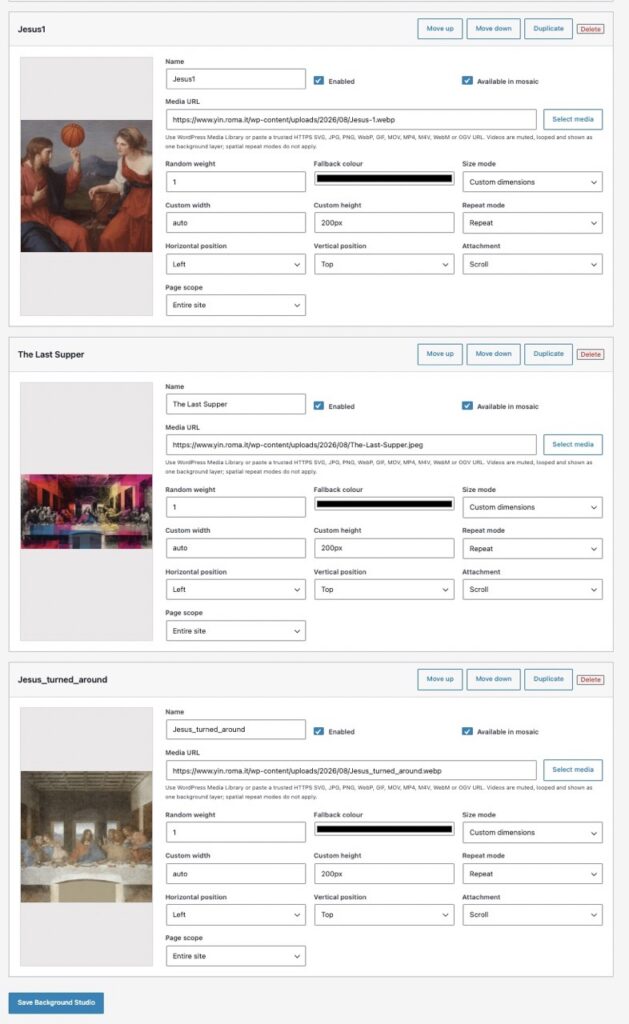
Yin’s Background Studio began as a refactoring task: replace a fragile, hard-coded random background selector with a native WordPress administration surface. The finished system stores multiple media-backed backgrounds in one option, supports static and random selection modes, handles reduced-motion fallbacks, previews images and videos, and validates manual…
Migrating one old WordPress site can be unpredictable. Migrating four of them simultaneously—from an obsolete operating system, an old PHP runtime, aging themes, and years of accumulated plugins—requires a process designed around containment rather than optimism. The goal of this migration was not simply to copy files onto a new…
Weekly reporting often begins as a small manual task: Open several analytics reports. Change each report to the same weekly date range. Wait for charts to load. download each report as PDF. Rename the files. export supporting CSV data. place everything in the correct folders. verify that no report is…
Introduction I recently faced a network configuration problem that initially looked simple: How can I install V2Ray on a VPS when the only usable general-purpose public port is already occupied by qBittorrent? The server was an Oracle Cloud Ubuntu VPS running qbittorrent-nox. Its WebUI was publicly accessible on TCP port…
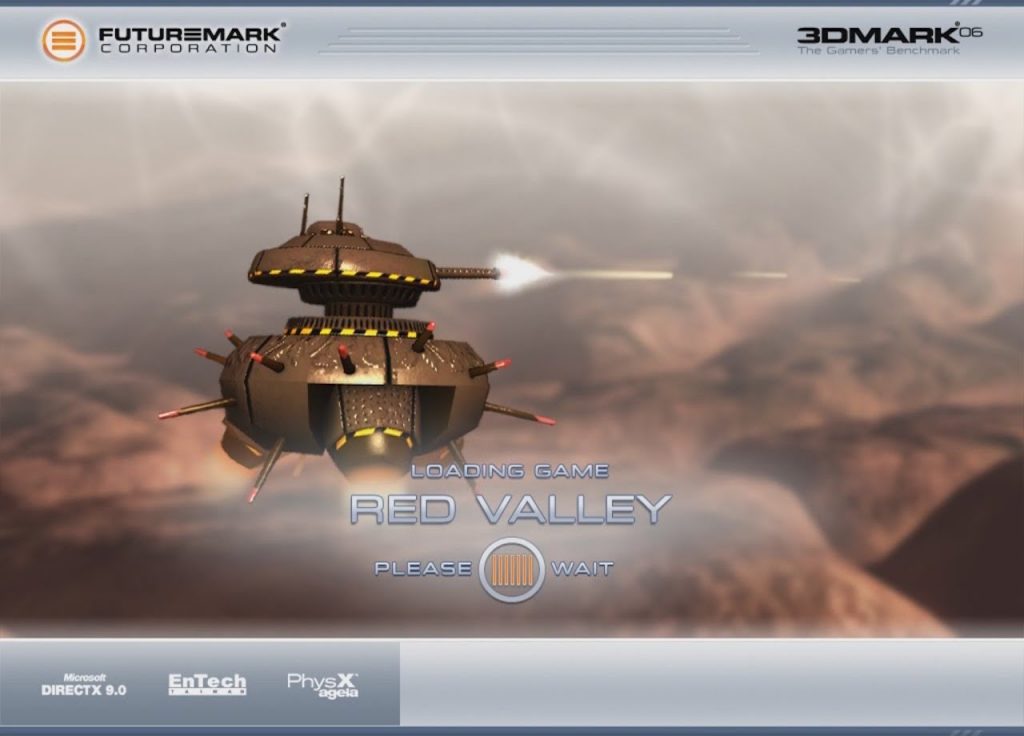
今天在海弗利一家中餐馆吃饭时,突然想起了一幕场景。那是我高中时,大概是2009年或2010年左右,一个冬夜。那应该是寒假期间,我在外婆家——也就是我妈妈的妈妈家,我们用湖北方言叫她嘎嘎。 我当时正在用我爸爸在我奶奶的劝说下买的电脑玩(更准确地说,是“使用/运行”而非“玩”) 3DMark 06 演示版。 为什么我对这个场景记忆如此清晰?虽然已经过去十五六年了,但我依然记得。我自己都觉得有点难以置信,但这个场景确实深深地印在了我的脑海里。 我记得当时的 3DMark 不仅仅是一个电脑配置测试软件,它还有一个类似游戏的演示,你可以控制一个机器人。后来我发现,这个机器人看起来有点像电影《机器人总动员》里的主角瓦力。我记得游戏里有一些起伏的小山丘,你可以用鼠标上下左右移动来控制这个小机器人。它可以四处移动,而且看起来它…
(口述转录) 总之,今天我终于看完了候麦——法国导演埃里克·候麦——的一部电影。这部电影的名字大概是《女孩的男朋友》或者《我女友的男朋友》之类的。 总的来说,我挺喜欢这部电影的。它非常有名,据说是他一系列道德寓言故事中的一部。我之前多次听过它的名字,但从未认真看过。过去几天,我一直在等待英国签证申请的结果。我昨天提交了申请,现在正在等待,所以自然有点紧张。因此,我断断续续地看了这部电影,通常每天吃饭的时候看几分钟,最后分几次看完了。 起初,我觉得这部电影有着非常鲜明的那个时期法国风格。例如,它完全没有配乐。我认为它最突出的特点是它的写实主义。尽管每个人都知道这是一部电影,银幕上的人都是演员,但它仍然给人一种异常真实的感觉。它没有那种矫揉造作或刻意营造的细腻感。从这个角度来看,这部电影的制作成本似乎也不高。 我常…
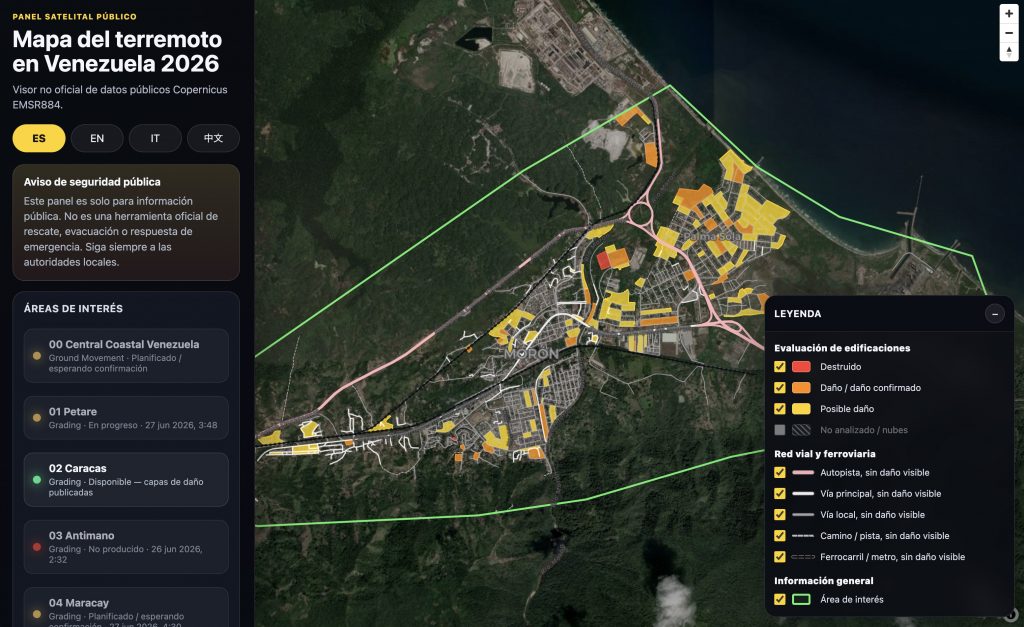
I have been building a public-interest dashboard (so unofficial) for the 2026 Venezuela earthquake context, using public Copernicus EMS Rapid Mapping data for activation EMSR884. The official Copernicus platform remains the authoritative source. My aim here is narrower: to create a lightweight accessibility layer for selected public satellite-derived data. T…
I had heard the news about the earthquakes in Venezuela earlier today, but I’d only seen the text headlines and hadn’t looked closely at the reports. That was until I scrolled through Instagram and saw the devastating footage: collapsed buildings, people filming the destruction, and a voice off-camera screaming for…
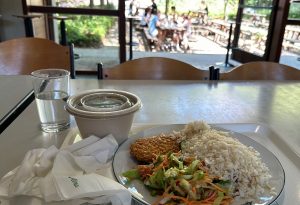
At the Alma 1 restaurant at KU Leuven, they clearly had chicken cutlets, but they absolutely refused to let you buy one separately, stipulating that you could only buy it as part of a set meal (5.6 euros for students). If the set meal didn’t include the combination you wanted,…
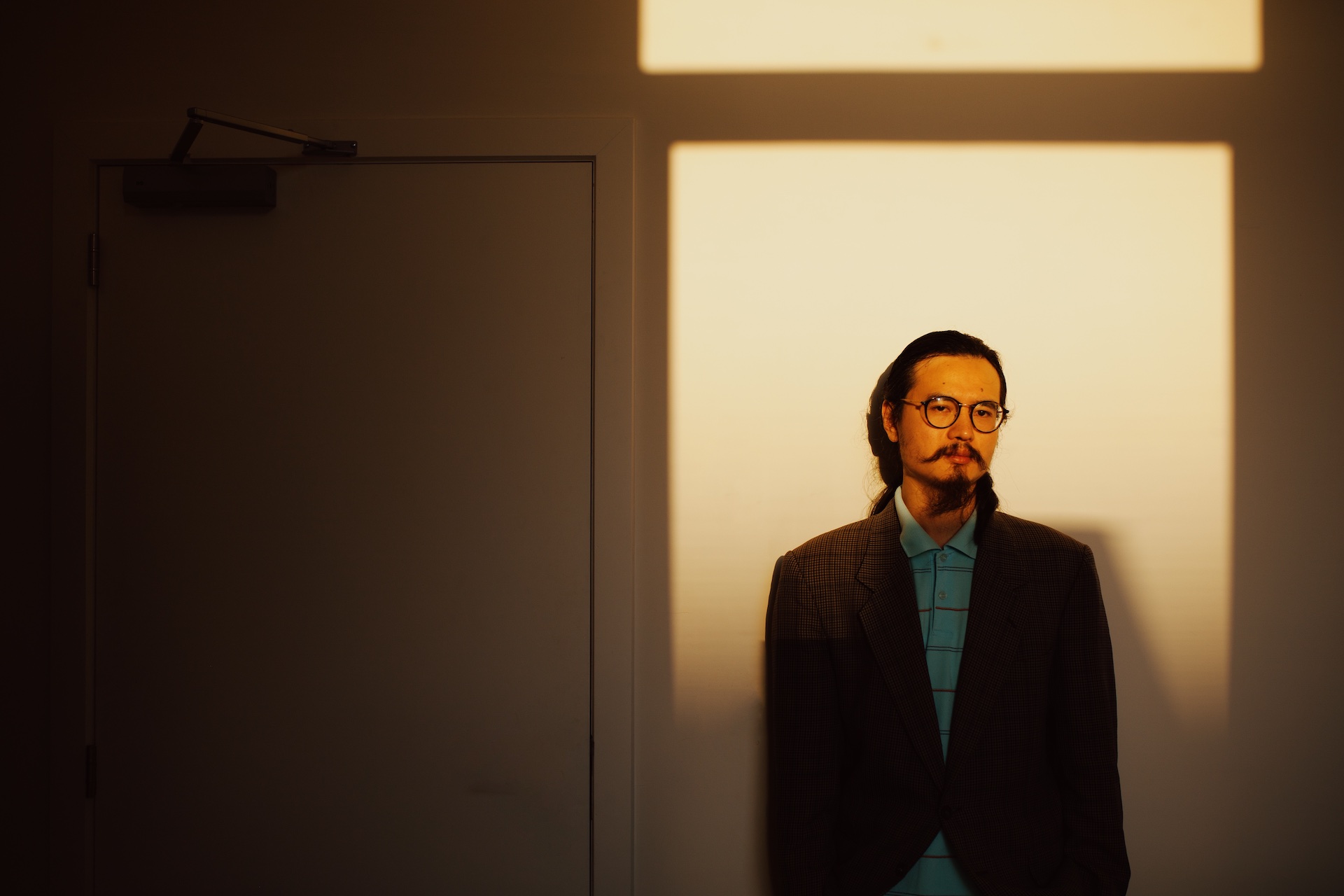
– Leuven, Belgium (14/06/2026). Photo by Cecilia Genova
2023
This is a simple script that creates a Conway’s Game of Life-based animation of text on a grid of LED lights. The main text is initially displayed on the LED grid, and after 15 seconds, it starts to disintegrate into a Game of Life pattern. The animation stops after 17…
2022
– Vasto CH (12/2018, Italy)
*updated on September 19, 2022 I tried the MacOS native File Share feature since I need to share data between the two Macs via LAN. Naturally, this function, which by default is based on SMB, also supports AFP. An accidental irreversible event happened during the attempt to authenticate, and the…
2021
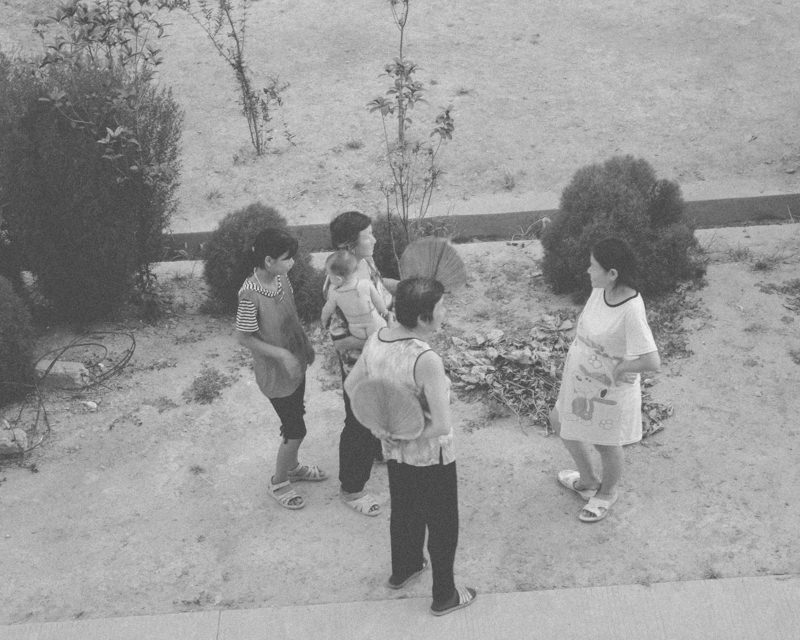
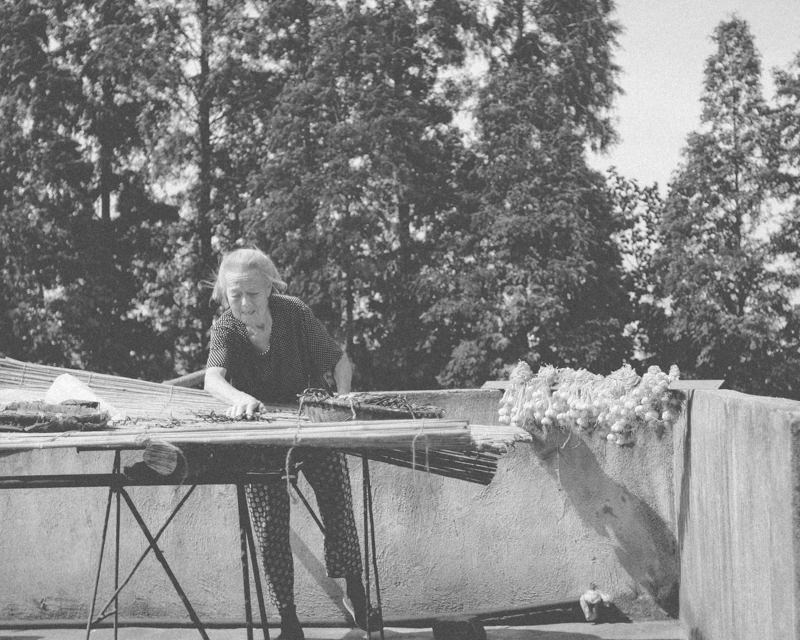
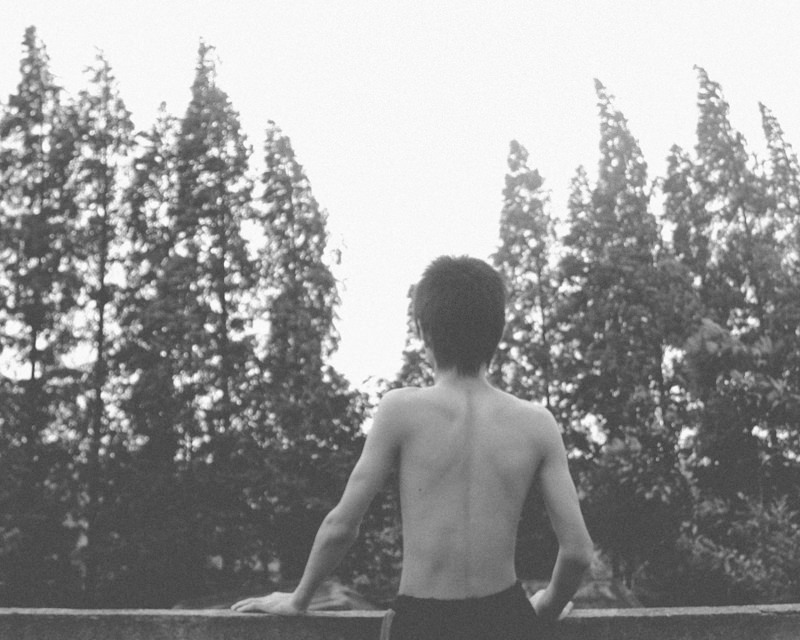
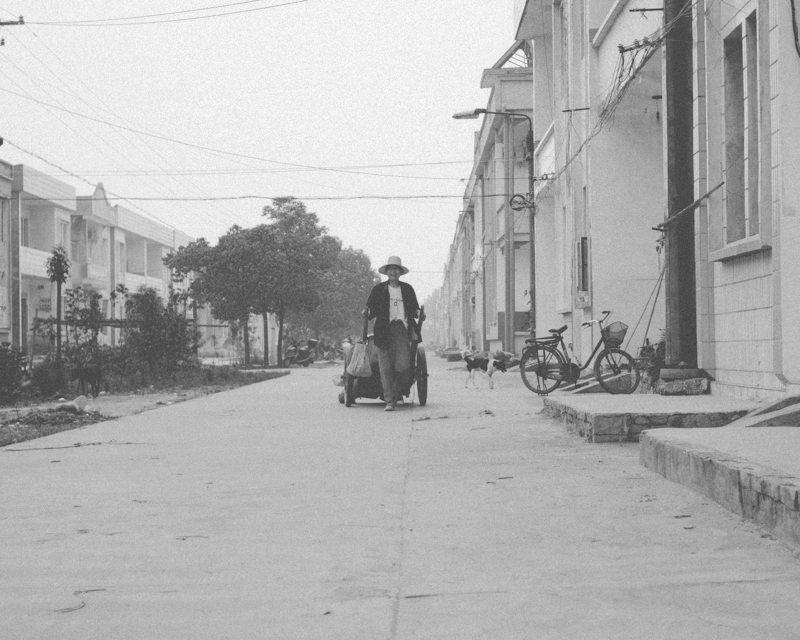
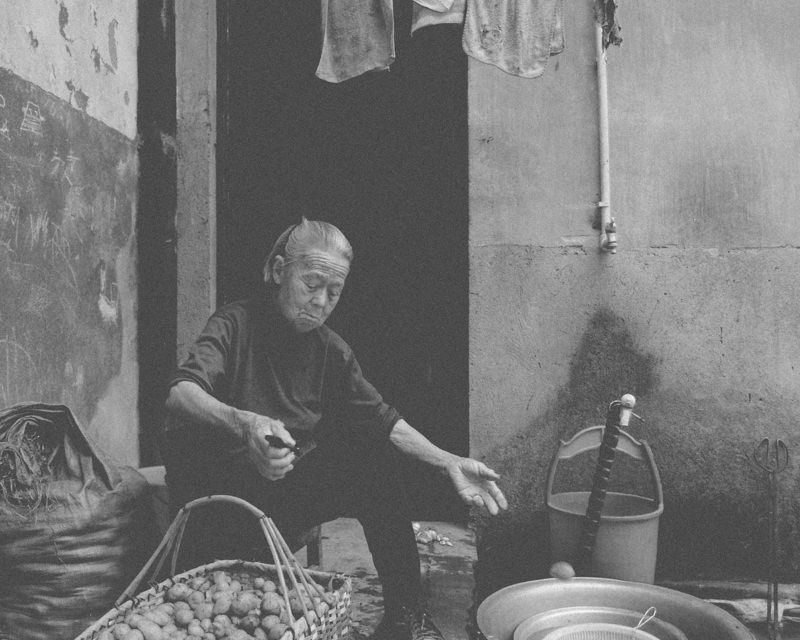
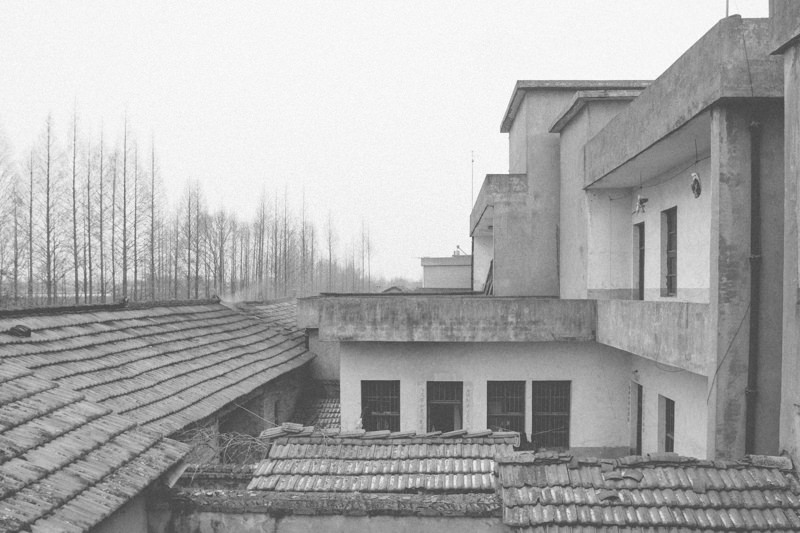
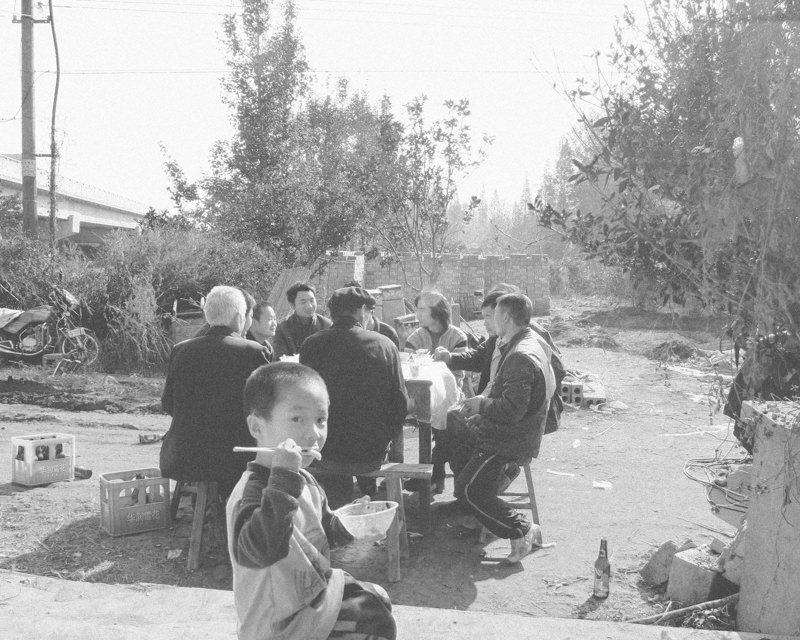
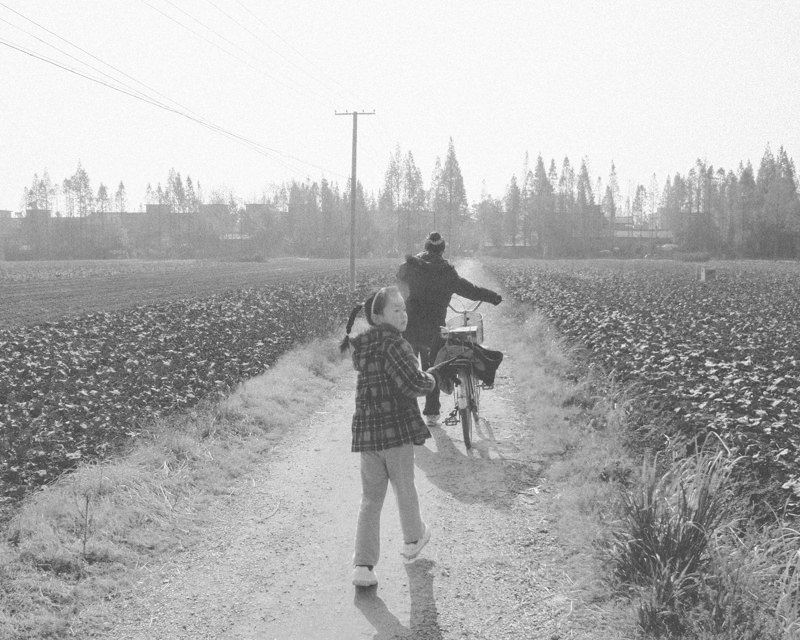
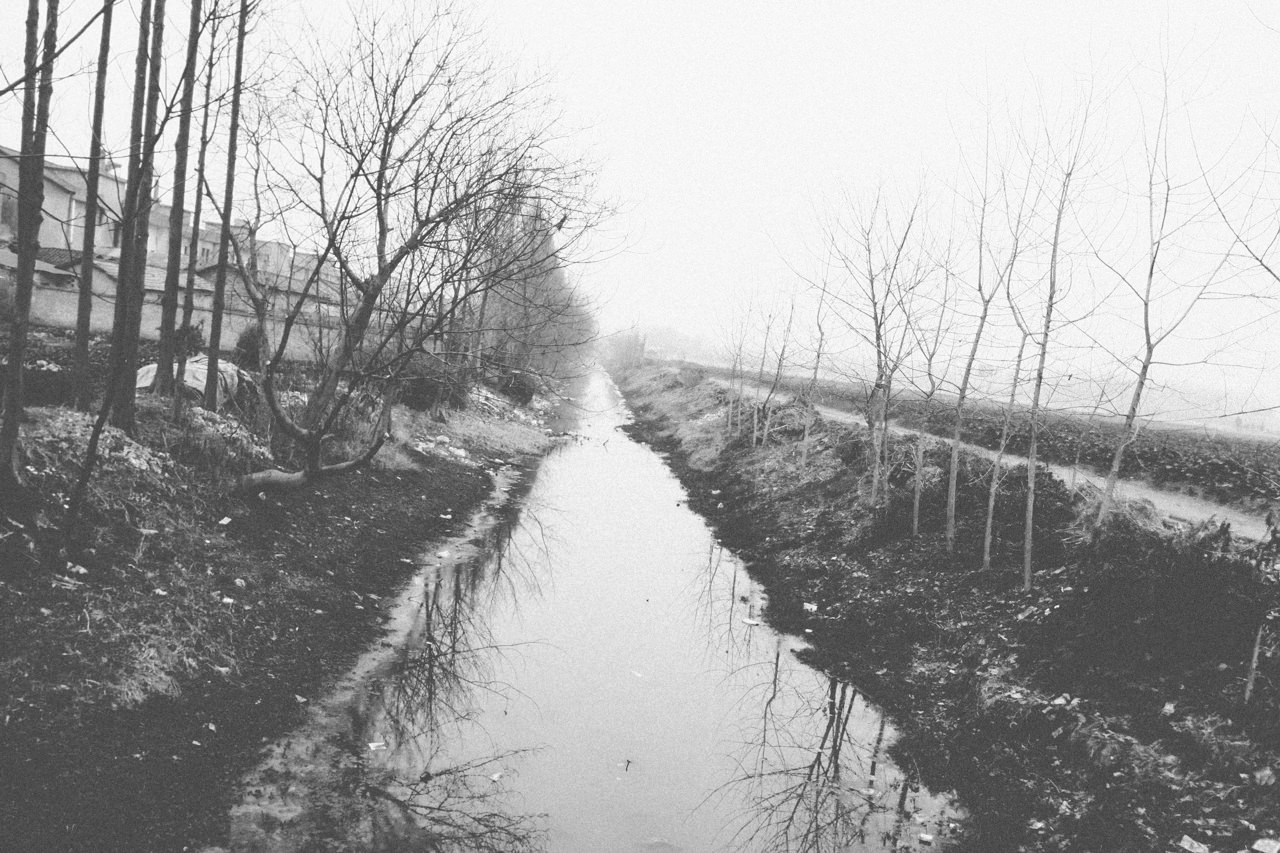
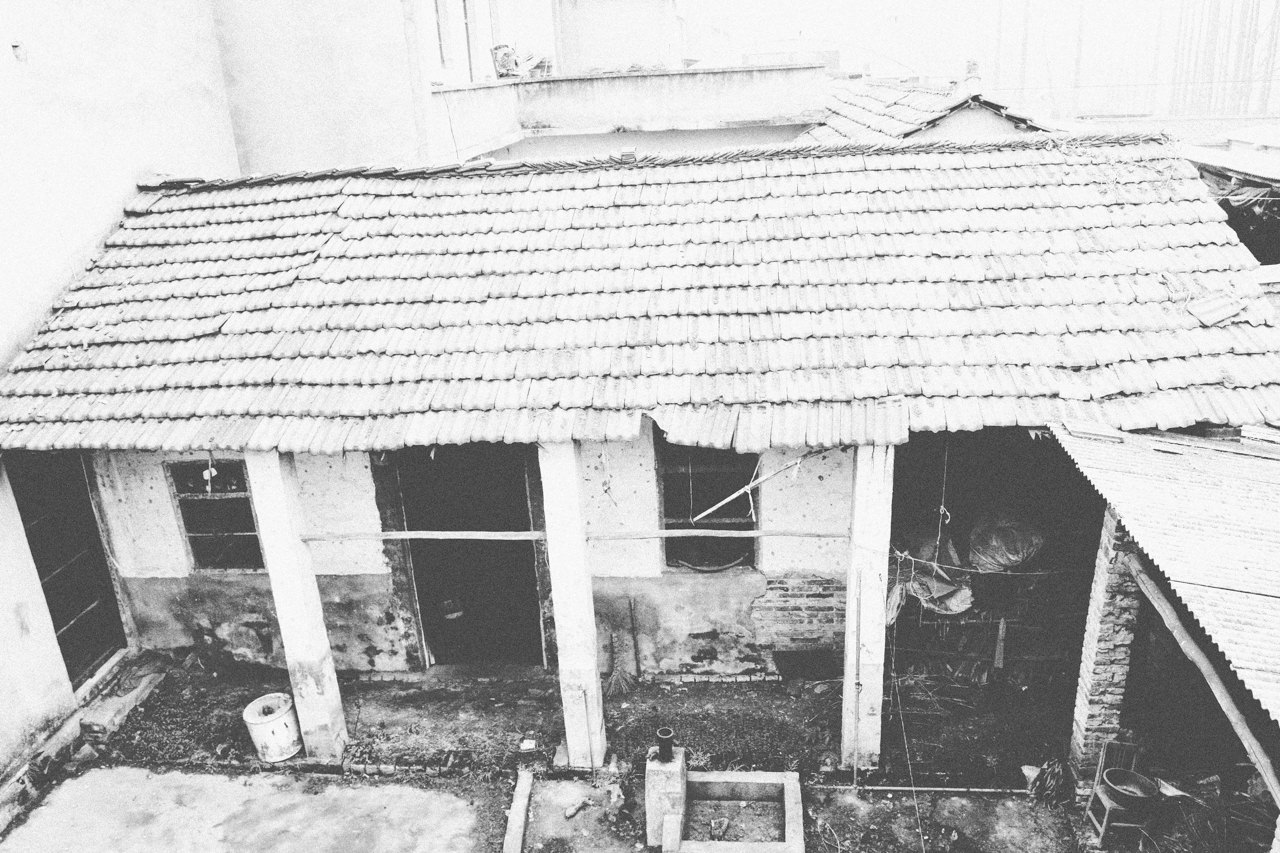
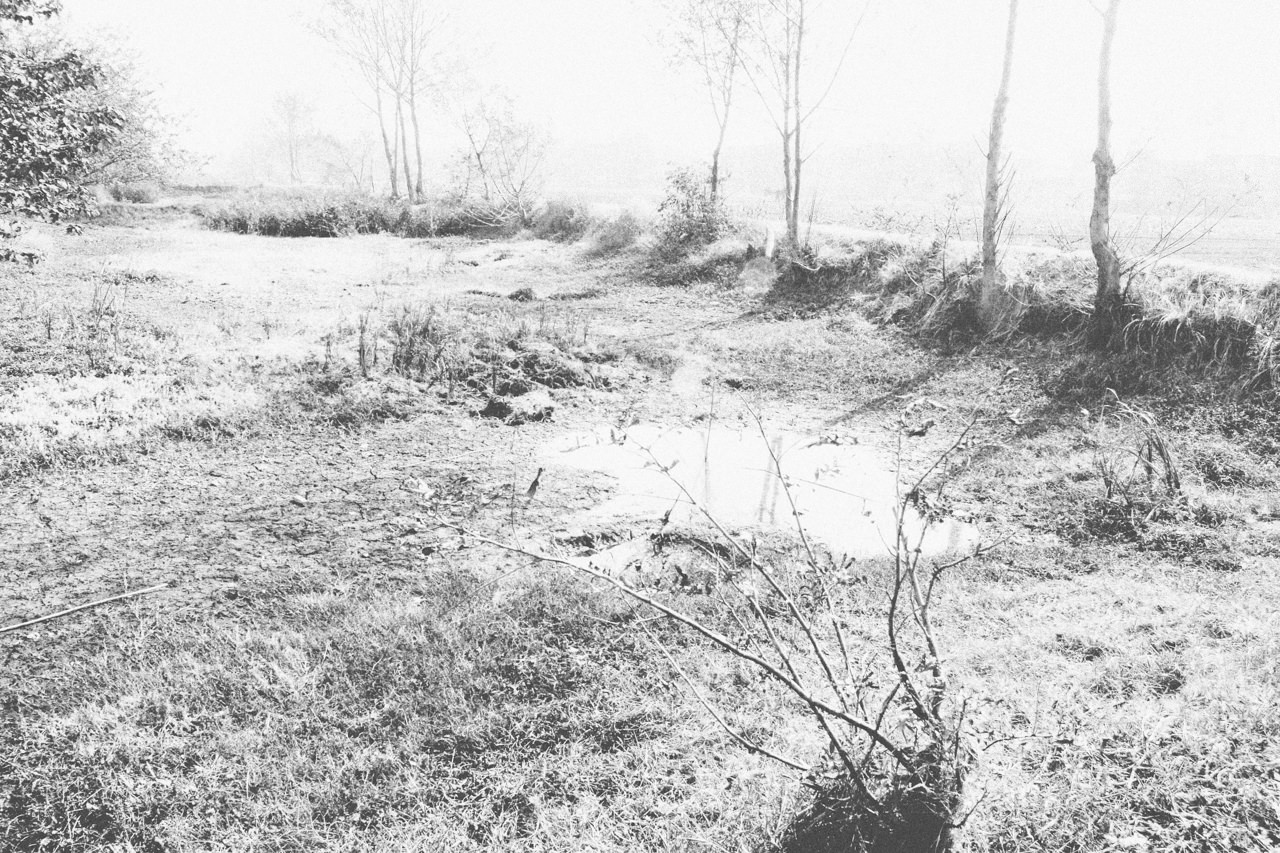
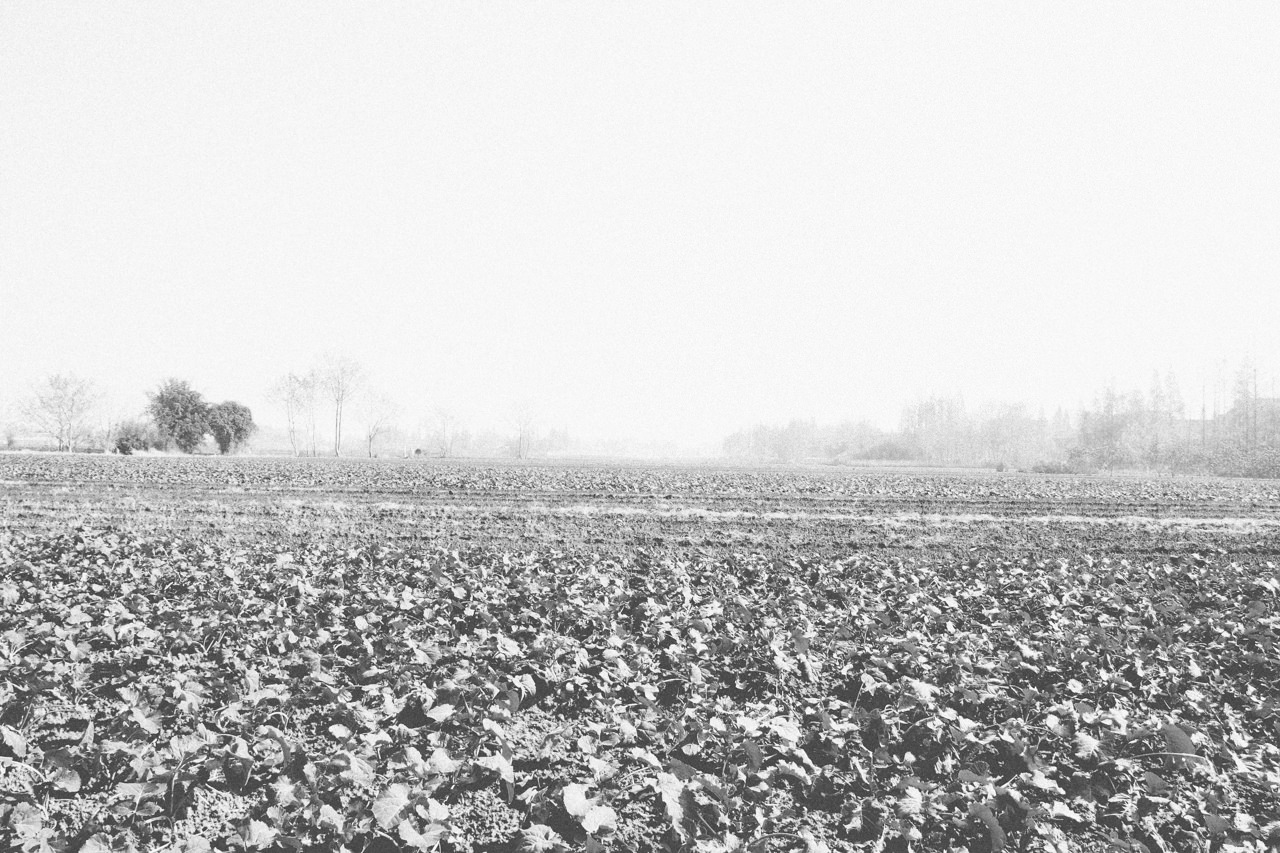
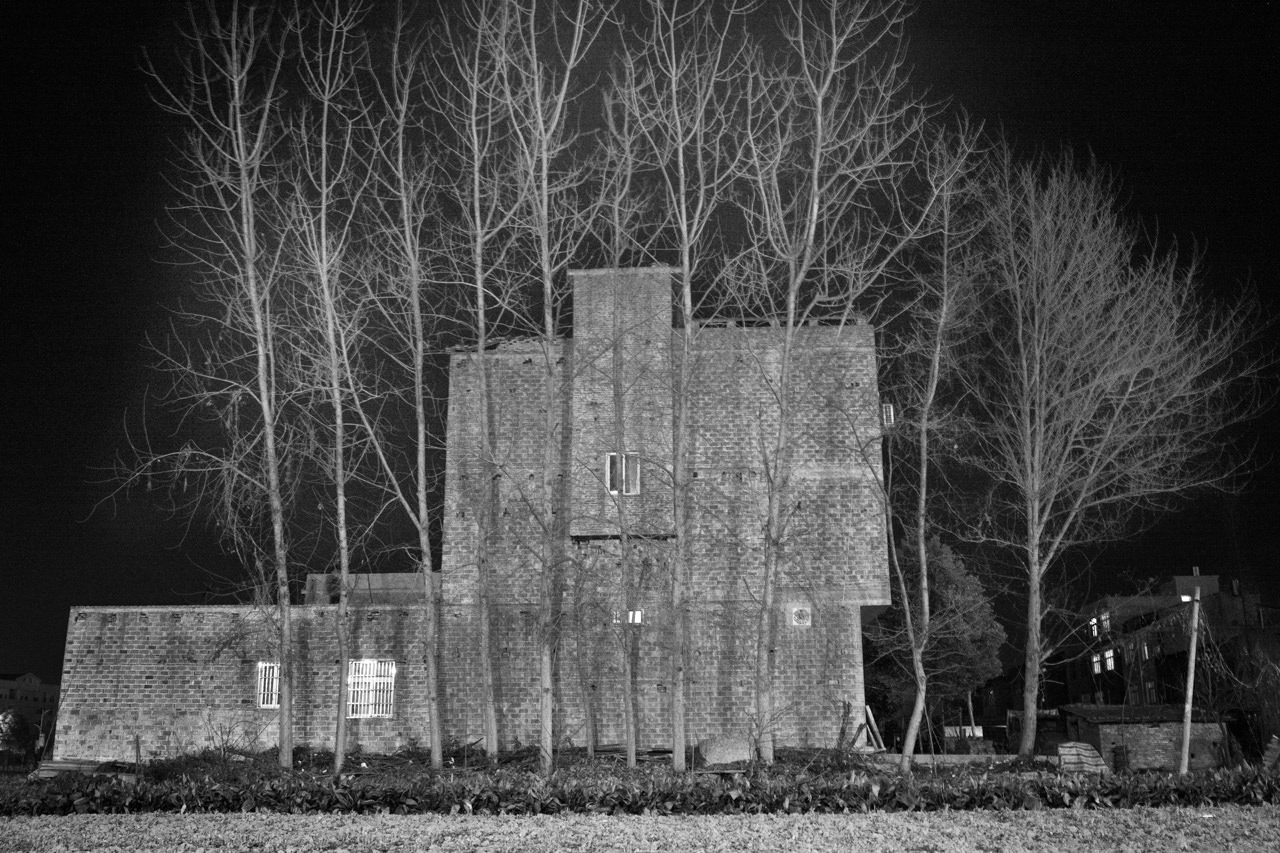
– Villaggio di Jiankang, Hubei (2009, Cina)
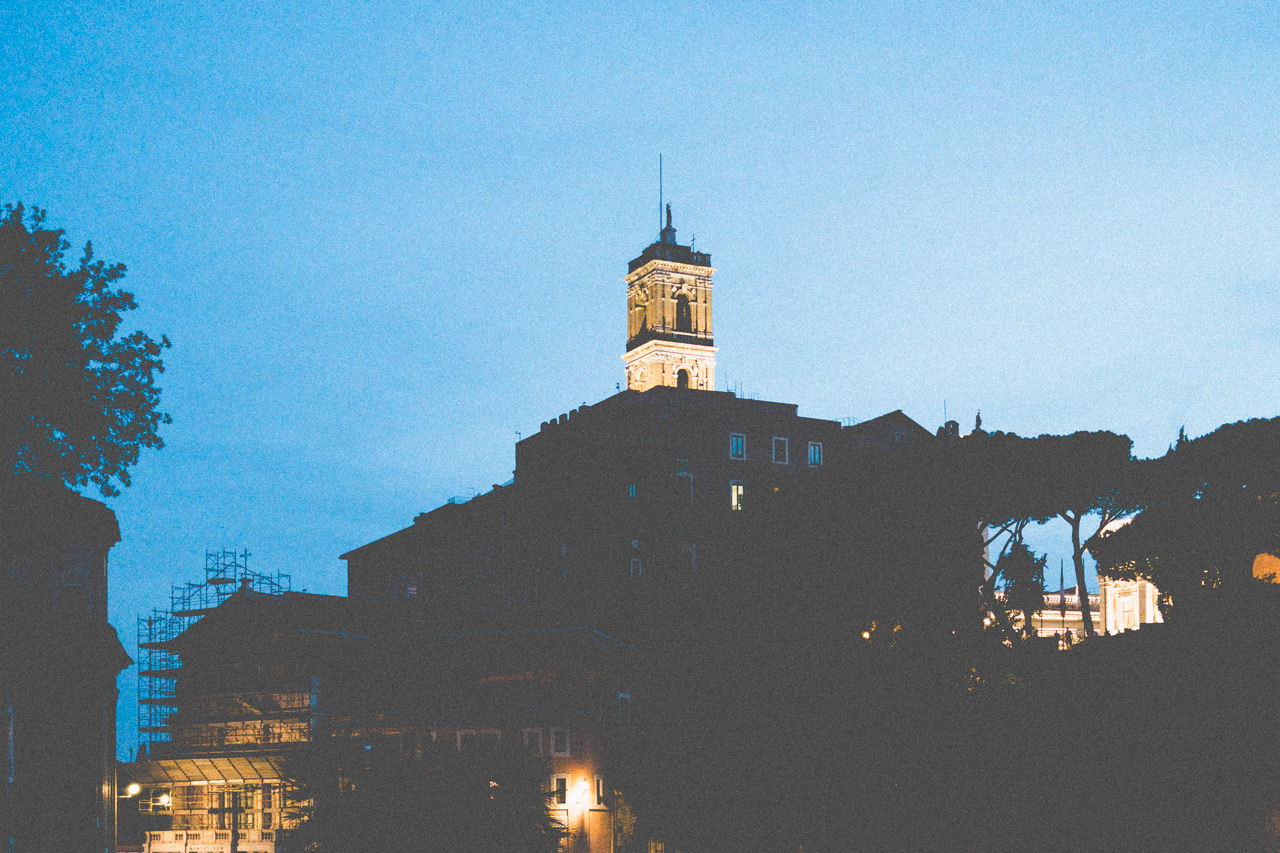
– 28/02/2021, Rome, Italy. fotografato da Cecilia Genova
2020
2019
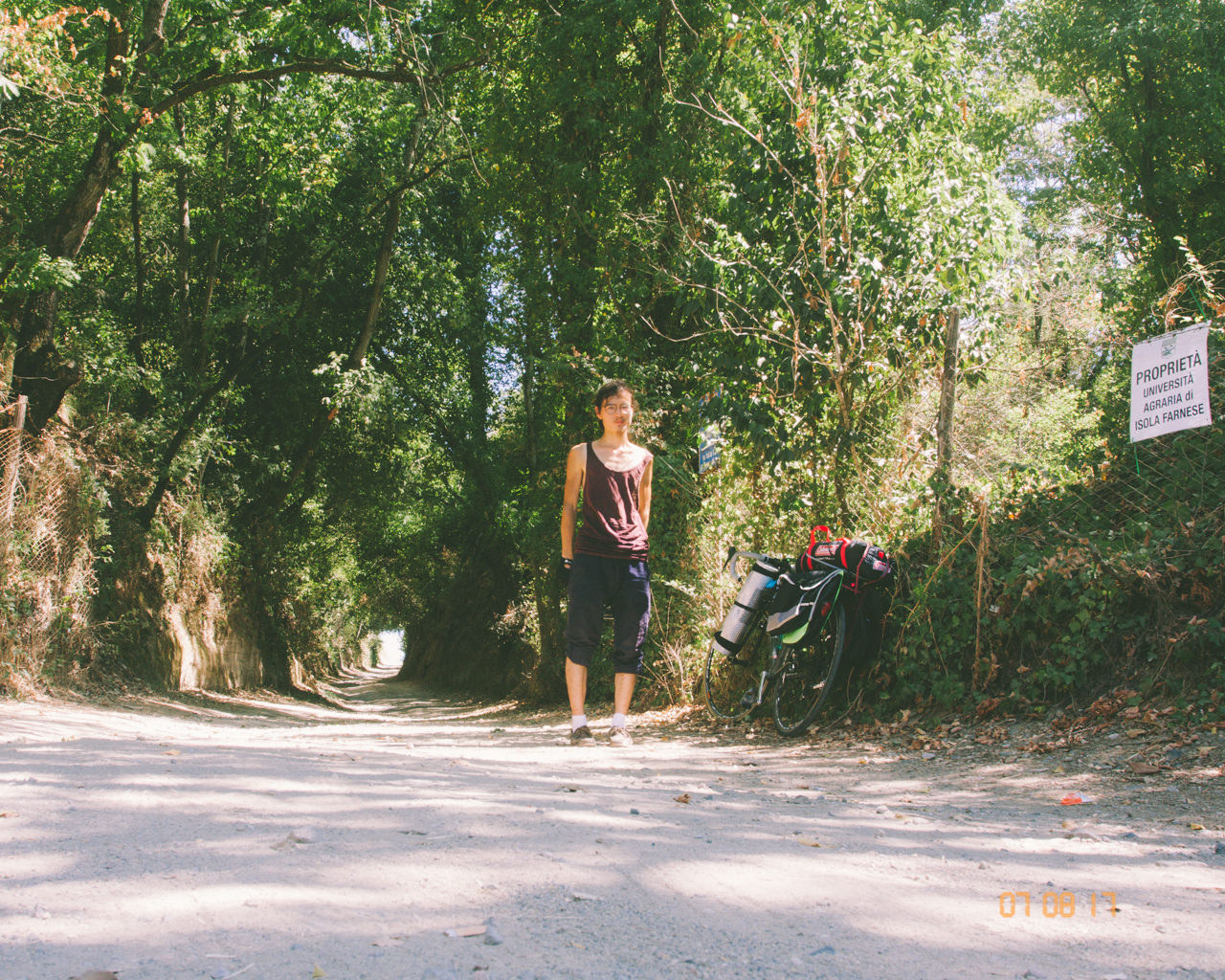
– 1000 KM di Cicloturismo (2017, Italia)
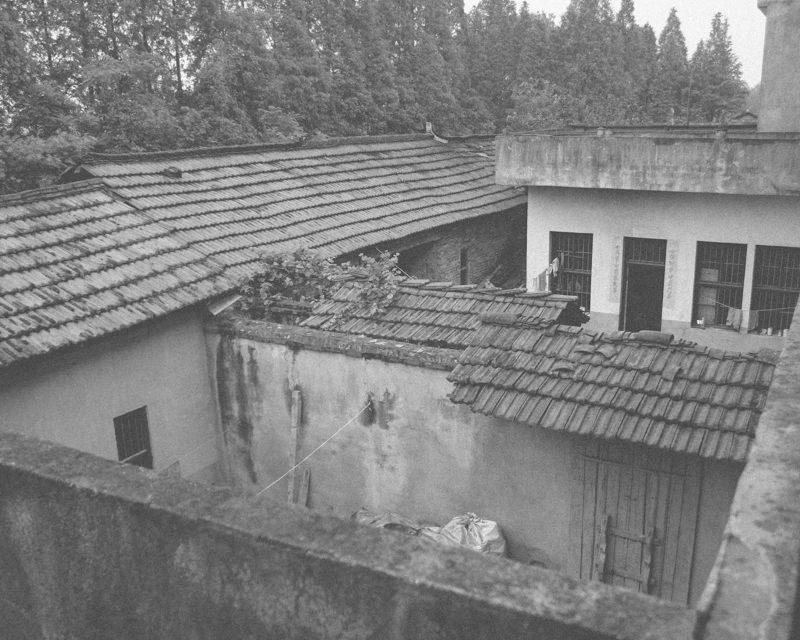
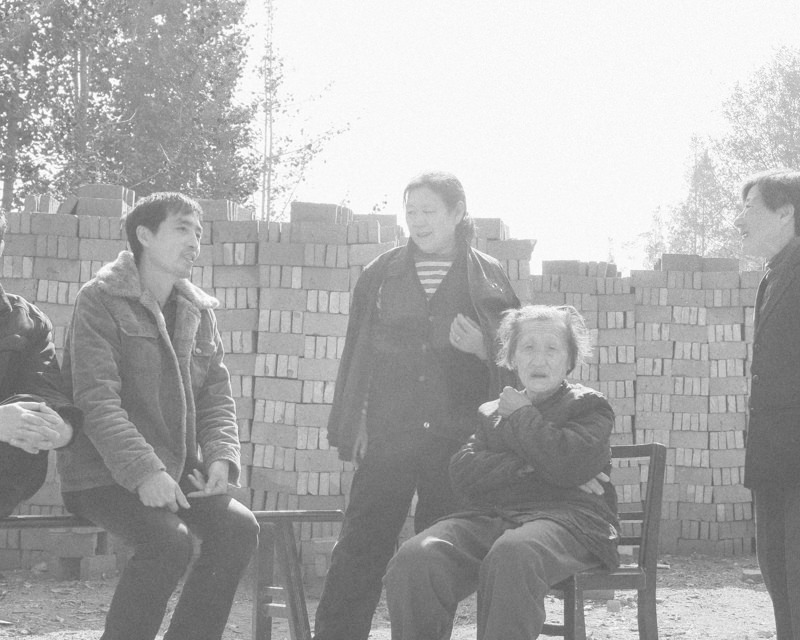
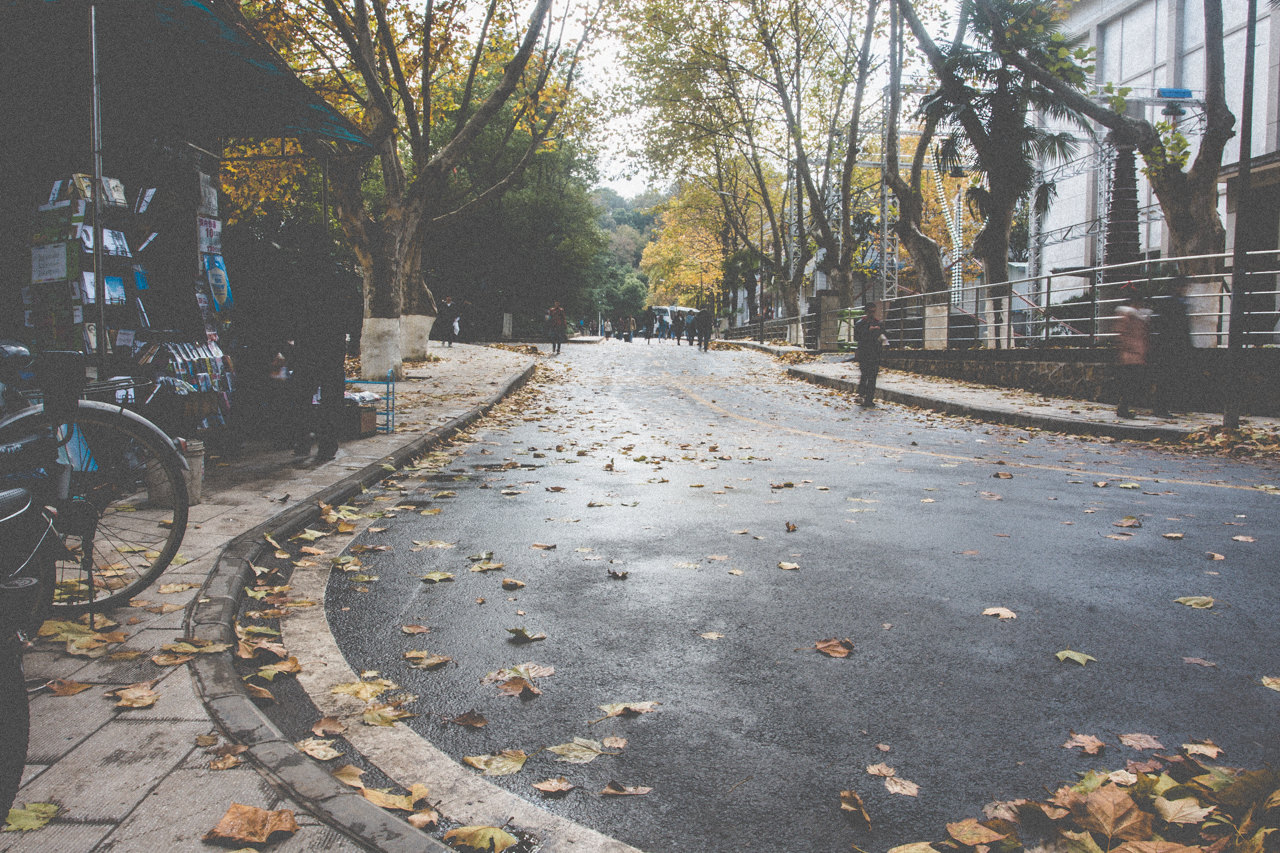
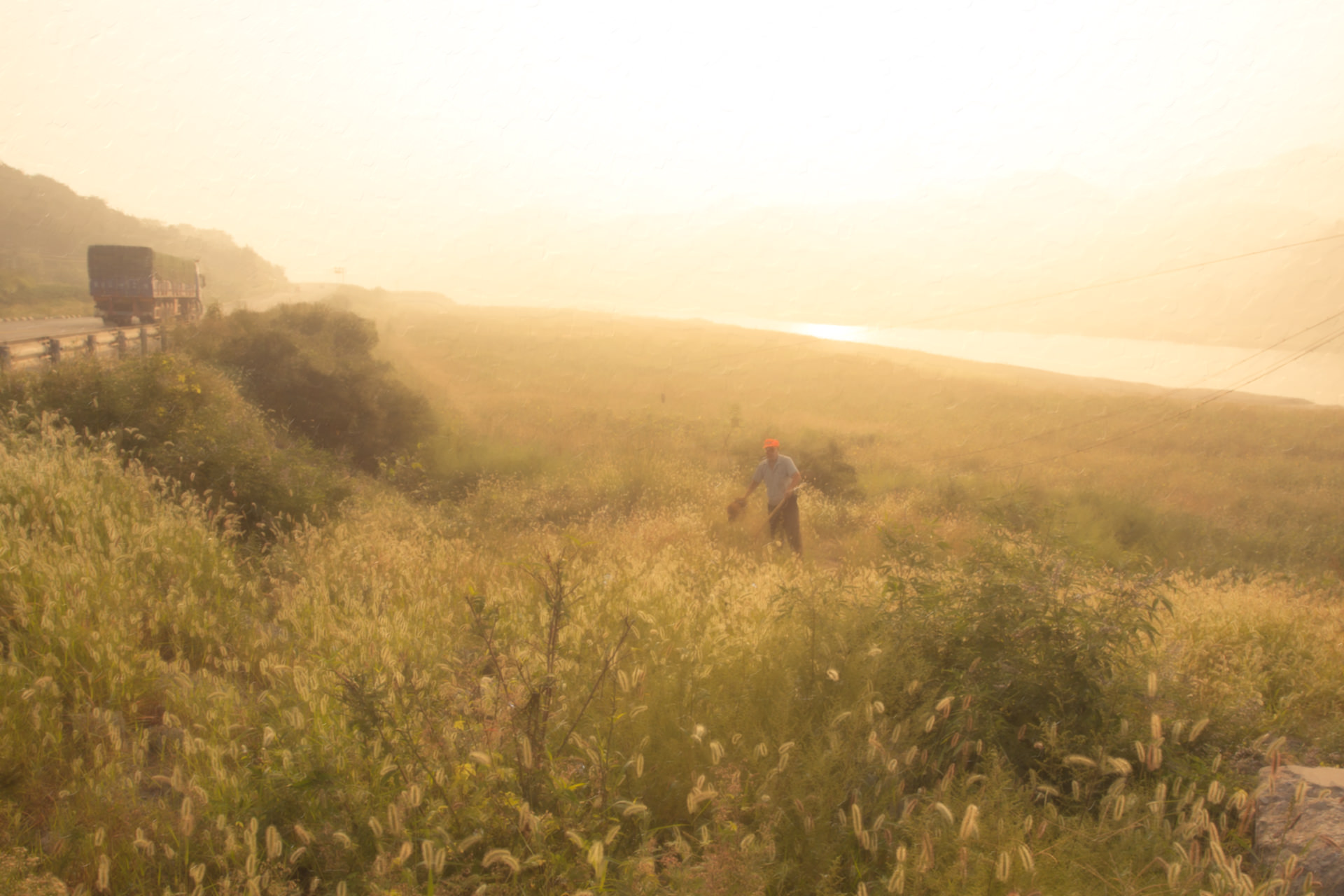
– Jiankang Cun, Hubei (2010, China)
It would have no doubt at all, When I reject the whole world, The world rejects me. The flooding and beasts, Please, aim at me, no matter whoever you are. I welcome your madness and roar. I am a scarecrow in suburban field, The hurricane is about to draw out…
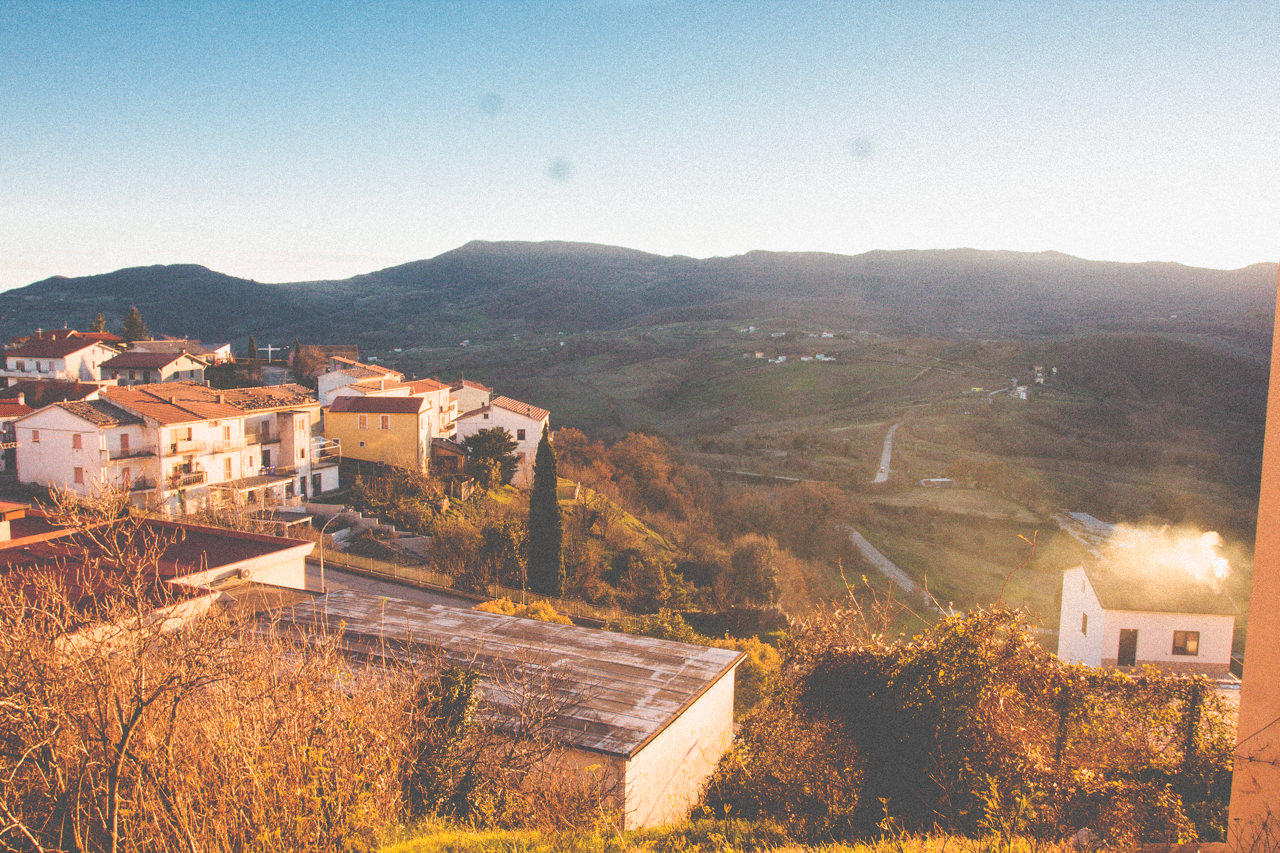
– San Felice del Molise (CB)
Sono seduto al secretaire, Suona la musica di Helene di nuovo. Ci sono musica francese di trent’anni fa, Soon morbidi, puri e semplici. Più di ottanta anni fa, Camus aveva cinque anni più di me, la triste storia è stata scritta anche in quella lingua. Cristianesimo, marxismo Tranne voi, dove…
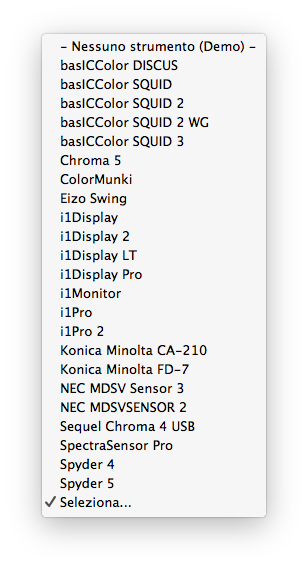
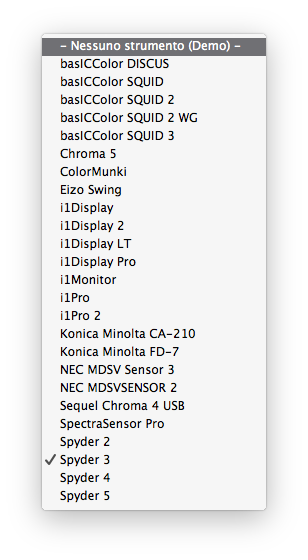
Preface O ne fact can be confirmed is that basICColor display has canceled the support of Spyder 2 and Spyder 3 since version 5.7.2. Perhaps basICColor thought Spyder 2 and Spyder 3 were too vintage to make use of: Devices support in version 5.8.1: Devices support in version 5.7.2: While…
Pontificia Università Gregoriana
2018
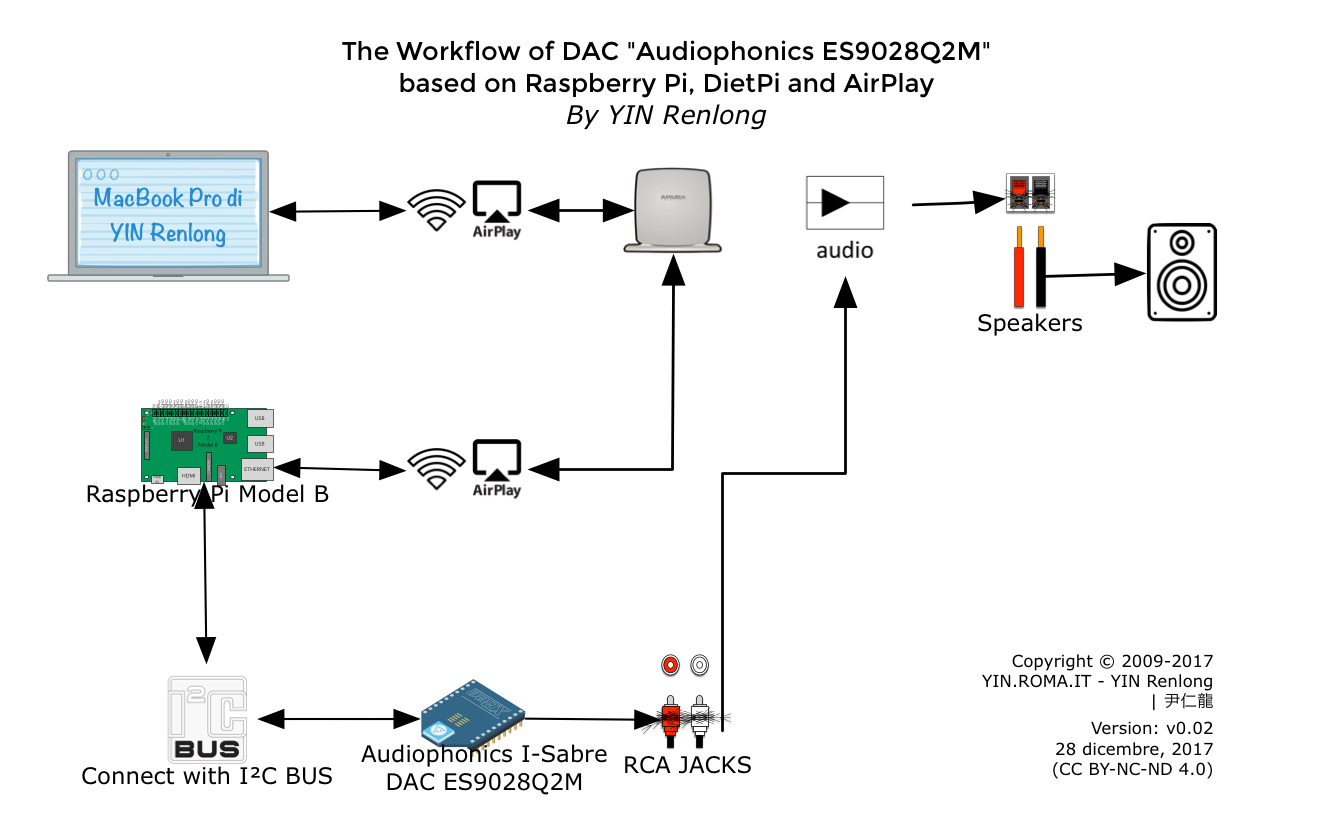
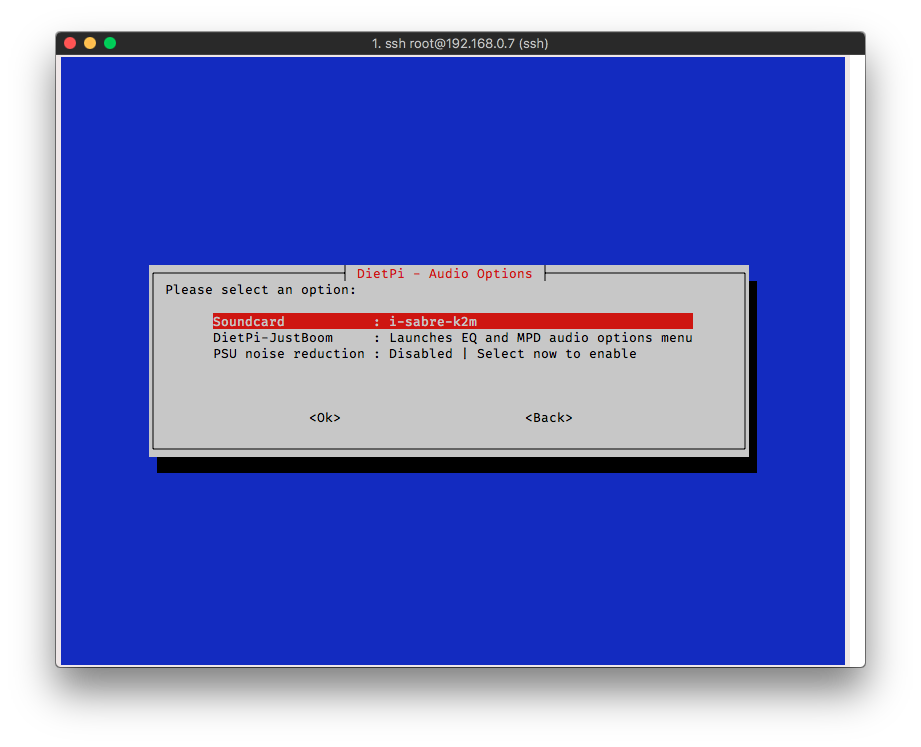
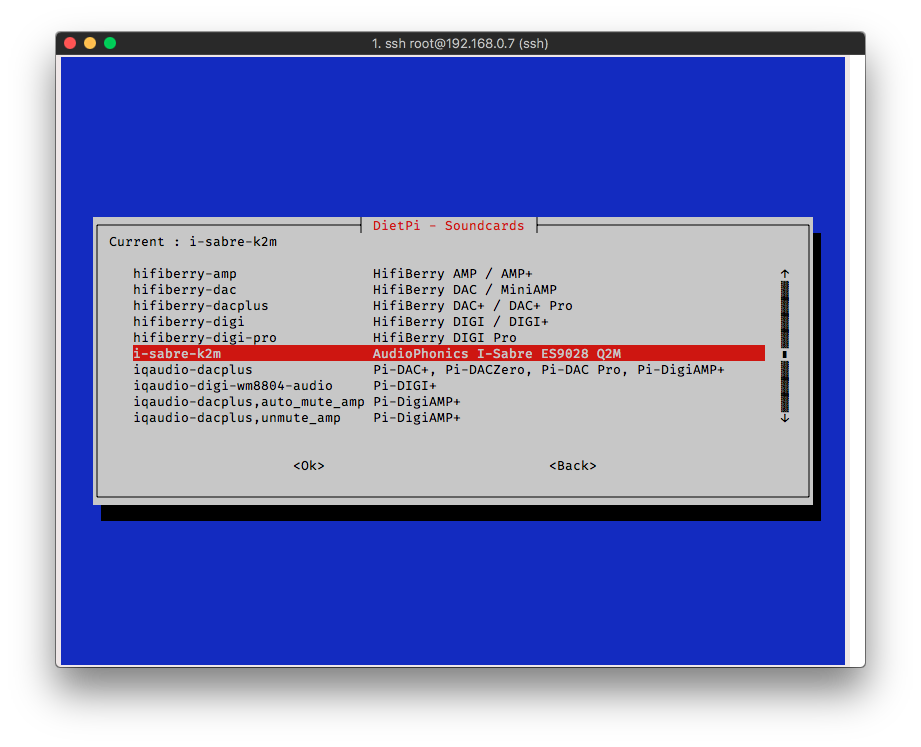
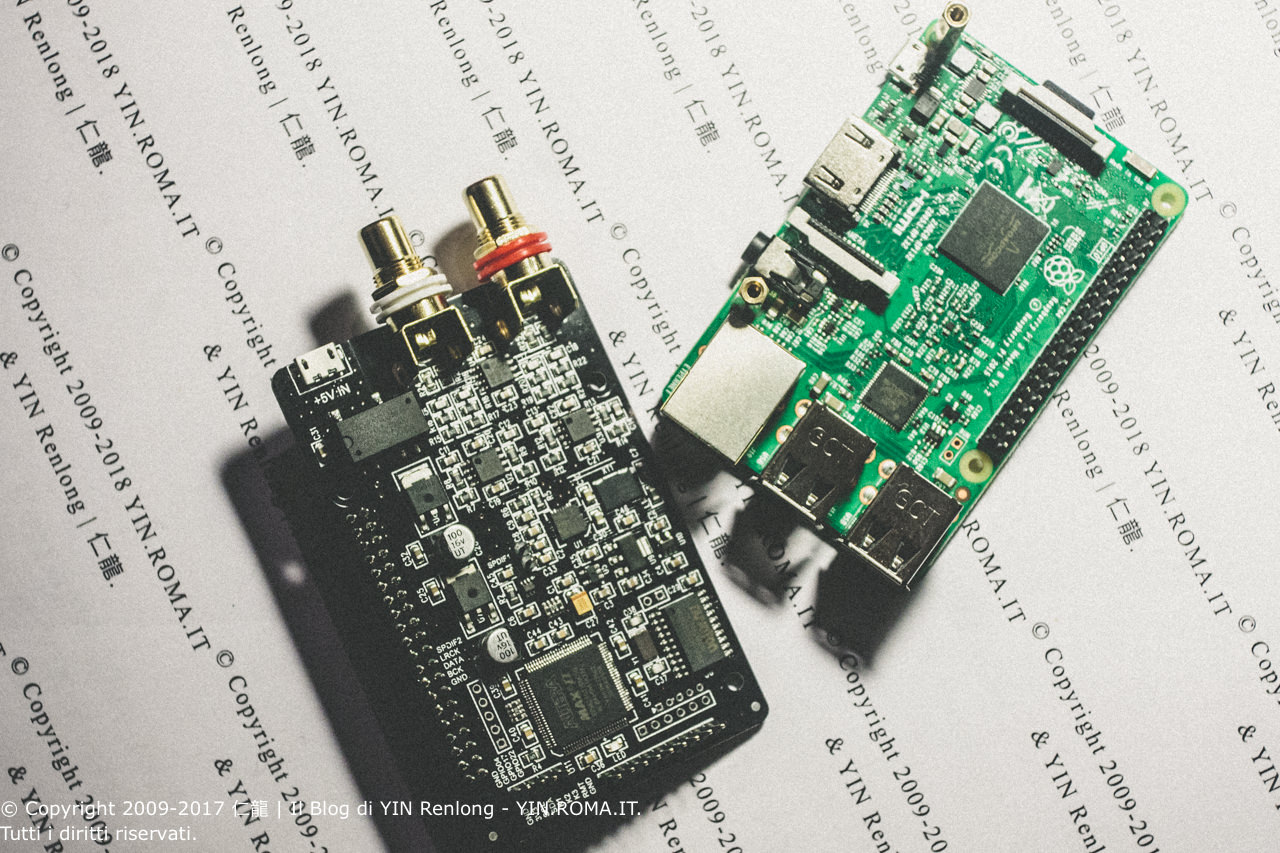
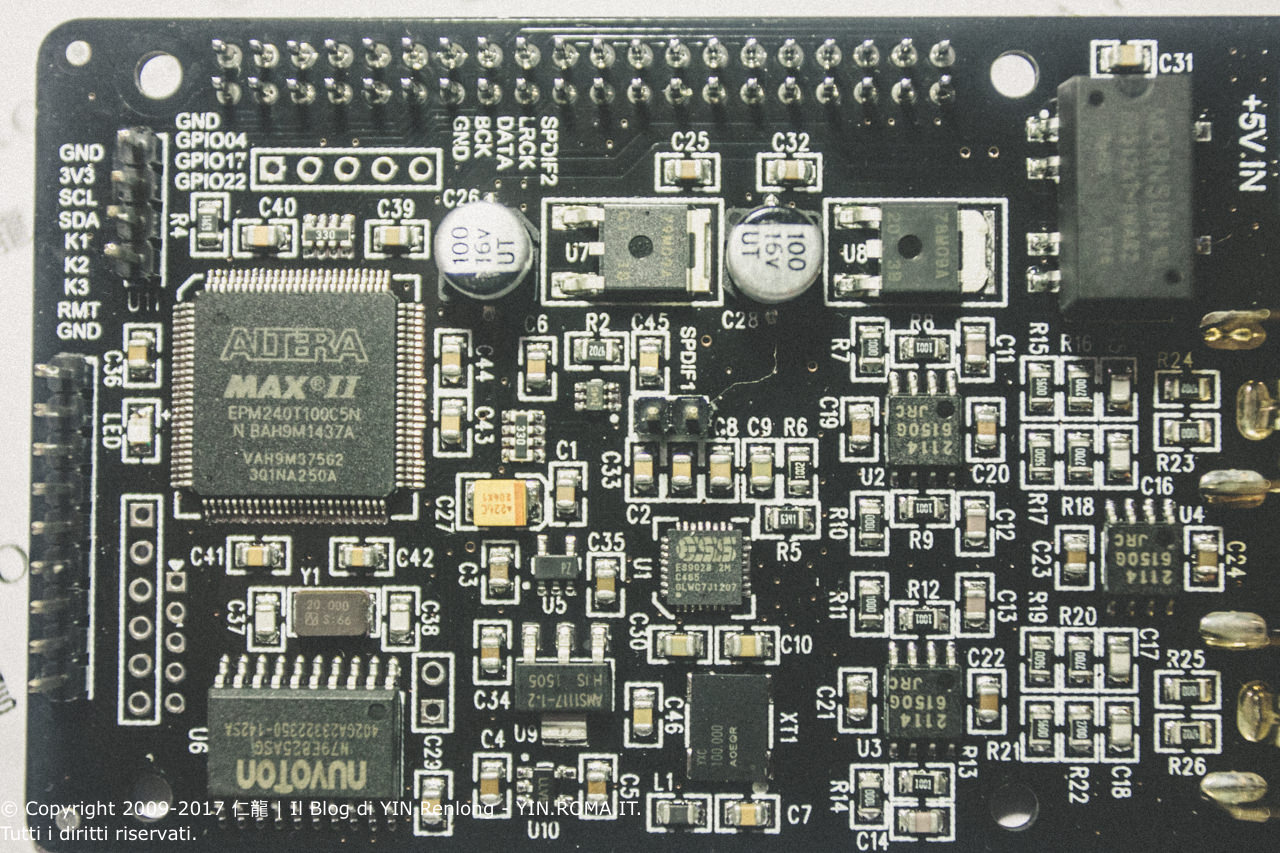
*updated on December 24, 2017 Preface I really shouldn’t say much about the desire to have a wireless PC-Hifi setup. Despite having a large collection of CDs and LPs, I feel that digitizing my music library would be beneficial in some circumstances. Though Audiophonics’ official website shows compatibility with Volumio…
2017
2016
2015
俱膺历运,非啮荣辱;如矰者,皮肉损,不胜哉 彼欲念,已忘言
I thought that heard you say. That was just a dream.
2014
近日与友行,涉宗教、哲学诸多事宜——宗教是真,哲学,我一厢情愿的哲学。主题升华俱快,世界者,宇宙者,真善美者,云云。我闪一念:宗教从何时开始,沦落到去解释宇宙了? 后又有耳闻:新教非宗教也。如此之自觉,我甚喜。讲步道,讲虔诚,讲受洗,这分明是单纯,难为抗拒的,又复杂的眼神,我忐忑不安。——我怎么能拒绝她。 乔达摩怎么看?无有定法名阿耨多罗三藐三菩提,亦无有定法,如来可说。 孟子何如?与弟子言,岂好辩,不得已。 而后言:不可说,非法,非非法。 信上帝者,不知其信的是无神论。为何?上帝信无神论。 等商业社会和佛教交媾。圣贤语:“武汉大学老师吧。”我也笑。 那次和圣贤讲课,来者稀稀落落不足十人。我低头,罔视稿纸,憋五分钟有余,圣贤亦无可奈何:“你开口说。”我放开口,凡二句,全噎住,不偏不倚…圣贤接着讲。 讲毕,气喘吁…